3 September 2026
What Is RIP? How Does RIP Software Work in Large Format Printing?
What Is RIP? How Does RIP Software Work in Large Format Printing?
In professional digital and large format printing, simply preparing a graphic design is not always enough to achieve high-quality results. Before a file can be properly processed by a printer or plotter, specialised RIP software is often required.
RIP software is responsible for preparing data for printing, interpreting graphic files, managing colours, and communicating with the printing device. It is an important part of the production workflow in print shops, advertising agencies, and companies specialising in large format printing.
What Is RIP?
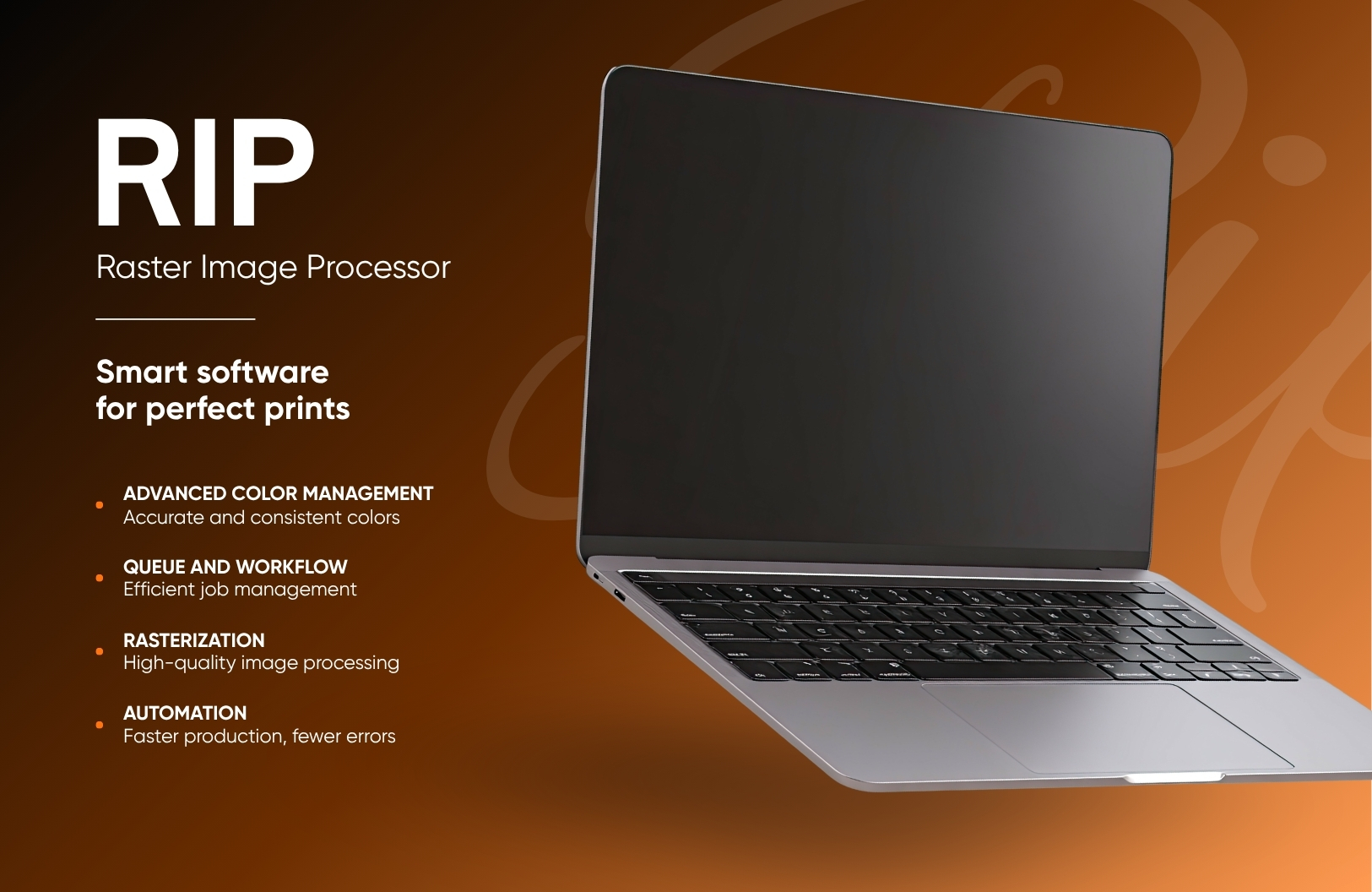
RIP stands for Raster Image Processor. It is software or a system responsible for processing graphic files and preparing them for printing on a digital printing device.
Simply put, RIP software acts as a bridge between a graphic design prepared by a designer and the printer or plotter that produces the final output.
Files used in graphic design, such as PDF, TIFF, EPS, AI, and vector files, need to be properly interpreted before they can be printed. RIP software processes this data and converts it into a format that can be understood by a specific printing technology or device.
RIP software can help with:
- accurate colour reproduction,
- print quality control,
- resolution management,
- ink optimisation,
- preparing files for large format printing,
- automating parts of the production workflow.
How Does RIP Work?
The main purpose of RIP software is to convert a digital design into data that can be processed by a printer or plotter.
This process can be divided into several stages.
1. Reading the Graphic File
The RIP software reads the file supplied by the user or graphic designer. This may include:
- PDF,
- TIFF,
- JPEG,
- EPS,
- PS,
- vector and graphic files.
The software analyses the contents of the project, including images, text, colours, gradients, and vector elements.
2. Rasterising the Image
One of the most important processes performed by RIP software is rasterisation.
Vector graphics consist of mathematically defined lines, shapes, and curves. However, a printer or plotter needs instructions in the form of printable dots.
RIP software therefore converts the design into a raster image made up of millions of individual pixels or dots.
This process takes into account factors such as:
- print resolution,
- project dimensions,
- device capabilities,
- media type,
- printing technology.
3. Colour Management
Another important function of RIP software is colour management.
Colours displayed on a monitor do not always look identical when printed. This is partly due to differences between colour spaces such as RGB and CMYK, as well as the properties of specific inks and printing materials.
RIP software can use ICC profiles to help predict and control how colours will be reproduced by a particular printing device.
This makes it possible to achieve:
- more consistent colours,
- better colour reproduction,
- greater control over production,
- improved colour consistency between print runs.
4. Preparing Data for the Printer
After processing the graphic file, the RIP generates data adapted to a specific printing device.
It may take into account parameters such as:
- ink type,
- number of ink colours,
- print resolution,
- printing speed,
- media type,
- printhead settings.
As a result, the printer or plotter receives instructions that are specifically prepared for the selected printing process.
Why Is RIP Important in Large Format Printing?
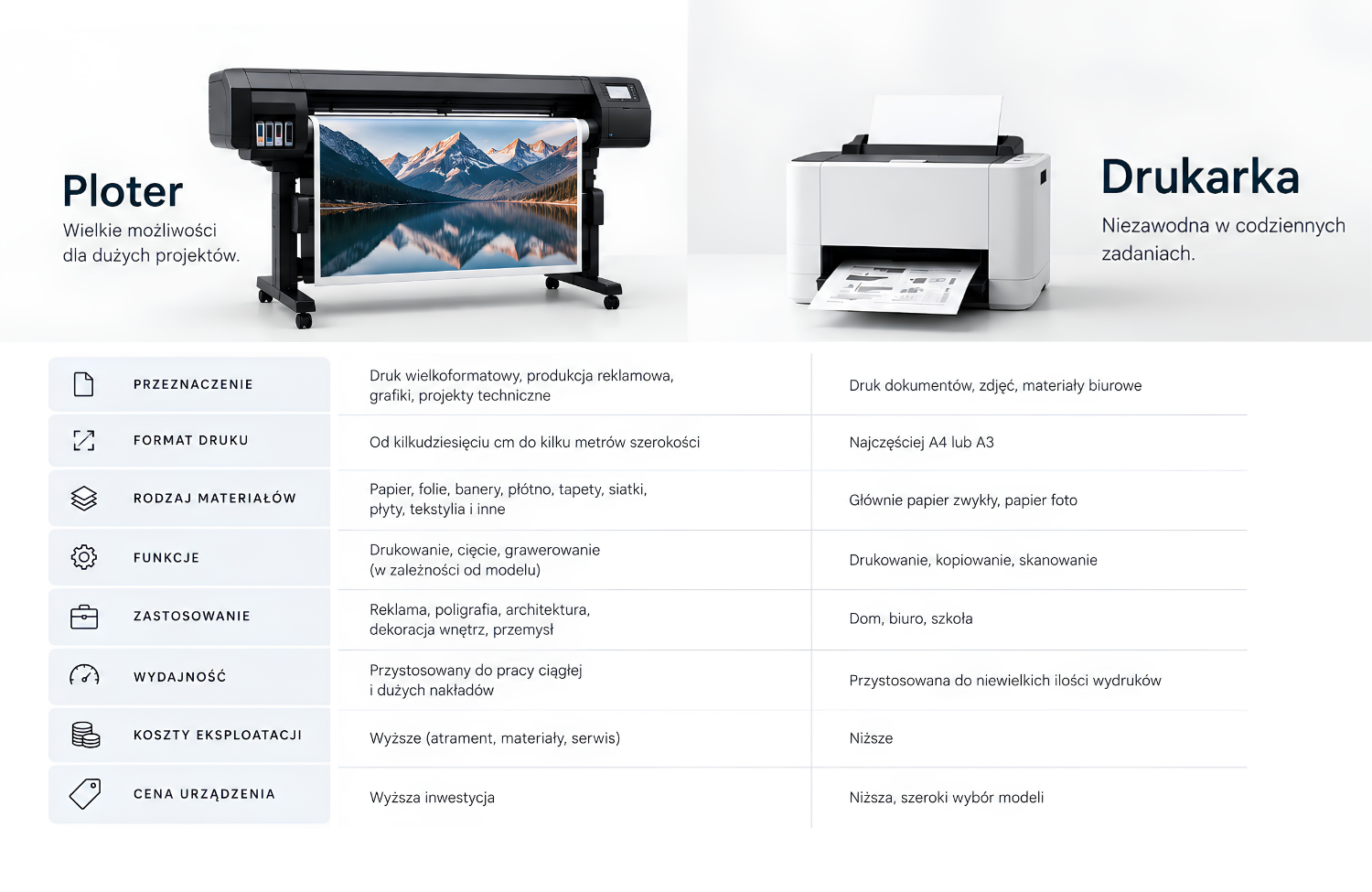
In home or office printing, most processes are handled automatically by the printer driver. Users usually do not need to manually control detailed production parameters.
Professional large format printing works differently.
Companies producing banners, self-adhesive graphics, stickers, wallpapers, exhibition graphics, and POS materials need to maintain consistent quality and colour reproduction.
In these applications, RIP software provides much greater control over the printing process.
It is particularly useful when:
- printing large formats,
- accurate colour reproduction is required,
- different types of media are used,
- a company processes a large number of print jobs,
- production consistency is important,
- multiple printing devices are used.
RIP vs Printer Driver – What Is the Difference?
RIP software and a standard printer driver perform similar basic functions because both help transfer data from a computer to a printing device. However, their capabilities are significantly different.
A printer driver is primarily designed to provide basic communication between the computer and the printer.
RIP software offers much more advanced features related to file preparation, colour management, and production control.
| Feature | Standard Printer Driver | RIP Software |
|---|---|---|
| Basic printing | Yes | Yes |
| File rasterisation | Basic | Advanced |
| Colour management | Limited | Advanced |
| ICC profiles | Basic support | Advanced support |
| Print job queue | Limited | Yes |
| Production automation | Rare | Often available |
| Multiple device management | Limited | Often available |
| Print parameter control | Basic | Advanced |
For this reason, RIP software often becomes a central part of the production workflow in professional printing environments.
What Features Does RIP Software Offer?
The exact capabilities depend on the specific software, but professional RIP solutions can offer a wide range of advanced features.
Print Queue Management
Operators can prepare and manage multiple print jobs at the same time.
The system may allow users to:
- prioritise jobs,
- pause print jobs,
- repeat previous jobs,
- monitor production status.
Colour Management
Advanced RIP systems allow users to work with colour profiles and control how colours are reproduced.
This is particularly important for brands that require consistent corporate colours across different printed materials.
Layout and Nesting Optimisation
Some RIP applications can automatically arrange multiple projects on a single sheet or roll of media.
This feature can help reduce material waste and improve the use of available printing space.
Workflow Automation
RIP software can automate repetitive processes.
For example, an operator can create predefined settings for:
- self-adhesive films,
- banners,
- photographic paper,
- wallpapers,
- textiles.
This means that all printing parameters do not need to be configured manually for every job.
Quality Control
Advanced software can help monitor production parameters and reduce the risk of printing errors.
This can be particularly important when producing large volumes or repeat orders.
RIP in Large Format Printing
RIP software is particularly common in the large format printing industry.
It can be used in the production of:
- advertising banners,
- self-adhesive films,
- vehicle graphics,
- posters,
- wallpapers,
- interior decorations,
- exhibition graphics,
- POS materials,
- stickers,
- window graphics.
For these applications, print quality and colour consistency are extremely important.
A small difference in colour reproduction may be barely noticeable on a computer screen but highly visible on a print several metres wide.
How Does RIP Work with a Plotter?
A plotter and RIP software are two elements of the same production workflow.
In simplified form, the process looks like this:
Graphic Design → RIP Software → Plotter → Finished Print
A designer prepares the project, which is then sent to the RIP software.
The software:
- analyses the file,
- processes the graphic,
- rasterises the image,
- manages colour settings,
- adapts the data to the printing device,
- sends the prepared job to the plotter.
The plotter then produces the physical print on the selected material.
Does Every Plotter Need RIP Software?
Not every plotter requires separate RIP software.
Some devices include their own manufacturer-developed solutions or work with dedicated software supplied with the machine.
For basic applications, the functions available in standard software may be sufficient.
However, professional RIP software becomes particularly useful when a company:
- handles a large number of print jobs,
- works with colour-critical projects,
- uses multiple printing devices,
- produces advertising materials,
- needs to automate production,
- wants to reduce media and ink waste.
RIP vs CAD – Are They the Same?
No. CAD and RIP are two completely different types of software.
CAD stands for Computer-Aided Design.
CAD software is primarily used to create technical, architectural, engineering, and manufacturing designs.
RIP, on the other hand, is responsible for preparing a completed design for the printing process.
In simple terms, CAD is used to create a design, while RIP helps prepare that finished design for printing.
A typical workflow may look like this:
CAD Design → File Export → RIP Software → Printer or Plotter
How to Choose RIP Software?
Choosing the right RIP solution should depend on the type of business and the printing equipment being used.
Before selecting software, it is worth considering several important factors.
Device Compatibility
The most important consideration is whether the RIP software is compatible with the specific printer or plotter.
Supported File Formats
The software should support the file formats commonly used by designers and customers.
Colour Management Capabilities
In professional printing, support for ICC profiles and advanced colour management can be essential.
Automation Features
Companies processing a large number of jobs should consider workflow automation and print queue management features.
Ease of Use
Advanced functionality does not always mean that a particular solution is the best choice. The complexity of the software should match the experience and needs of the operators.
Costs
RIP software may be available under different licensing models. It is important to consider not only the purchase price but also:
- software updates,
- technical support,
- subscription fees,
- additional modules.
Key Benefits of Using RIP Software
Professional RIP software can offer many benefits to printing companies.
The most important advantages include:
- greater control over the printing process,
- improved colour management,
- consistent print results,
- workflow automation,
- management of multiple print jobs,
- material optimisation,
- settings adapted to different media,
- improved production efficiency.
Is RIP Software Worth Using?
For professional digital and large format printing, the answer is often yes.
RIP software helps businesses make better use of their printing equipment and gain greater control over the entire production workflow.
For companies producing only occasional and simple prints, additional RIP software may not be necessary.
However, for businesses producing banners, films, stickers, wallpapers, vehicle graphics, or other advertising materials, RIP software can significantly improve workflow efficiency and help maintain consistent print quality.
FAQ – Frequently Asked Questions
What Does RIP Stand For?
RIP stands for Raster Image Processor. It is software responsible for processing graphic files and preparing them for printing.
What Is RIP Used For?
RIP is used to prepare files for printing, rasterise graphics, manage colours, and send properly prepared data to a printer or plotter.
Is RIP Software Necessary for a Plotter?
Not every plotter requires separate RIP software. However, in professional large format printing, RIP is commonly used because it provides greater control over print quality and production parameters.
What Is the Difference Between RIP and a Printer Driver?
A printer driver provides basic communication between a computer and a printing device. RIP software offers more advanced features such as colour management, ICC profile support, print queue management, and workflow automation.
What Is Rasterisation?
Rasterisation is the process of converting graphics, particularly vector graphics, into an image made up of individual pixels or dots. This allows a printing device to accurately reproduce the design on the selected material.
Does RIP Improve Print Quality?
RIP software can provide better control over print quality, colours, resolution, and device settings. However, the software cannot replace a properly prepared file or a correctly configured printing device.
What Is the Difference Between RIP and CAD?
CAD software is used for technical design and engineering projects. RIP software is responsible for preparing completed files for the printing process.
Summary
RIP, or Raster Image Processor, is an important tool used in professional digital and large format printing. It is responsible for processing files, rasterising graphics, managing colours, and preparing data for specific printing devices.
With RIP software, printing companies can gain greater control over production, improve colour consistency, and streamline the processing of multiple print jobs.
This is particularly important in advertising, commercial printing, and large format production, where the plotter and properly configured RIP software form part of one integrated production workflow.